Free library and ReperDo Full
ReperDo is free to download. You can build a real library — songs, playlists, scores, and practice tools — with up to 12 of your own songs. Unlock ReperDo Full once if you need more.
The free library is not a time-limited trial. It stays on the device. The 12th user song is allowed; the 13th is refused until you unlock.
What counts
A user song is a song you create, copy, or import. Bundled sample songs from Getting Started do not use a slot. Playlists, song sets, PDFs, MusicXML, metronome, tuner, and recording stay unlimited on the free library. Editing a song you already have never requires payment.
What ReperDo Full buys
Unlimited user songs on every device signed into the same App Store or Google Play account. It does not add a ReperDo account, cloud hosting, or extra tools. Family Sharing is off. You pay once per store (Apple and Google are separate).
Where to buy and restore
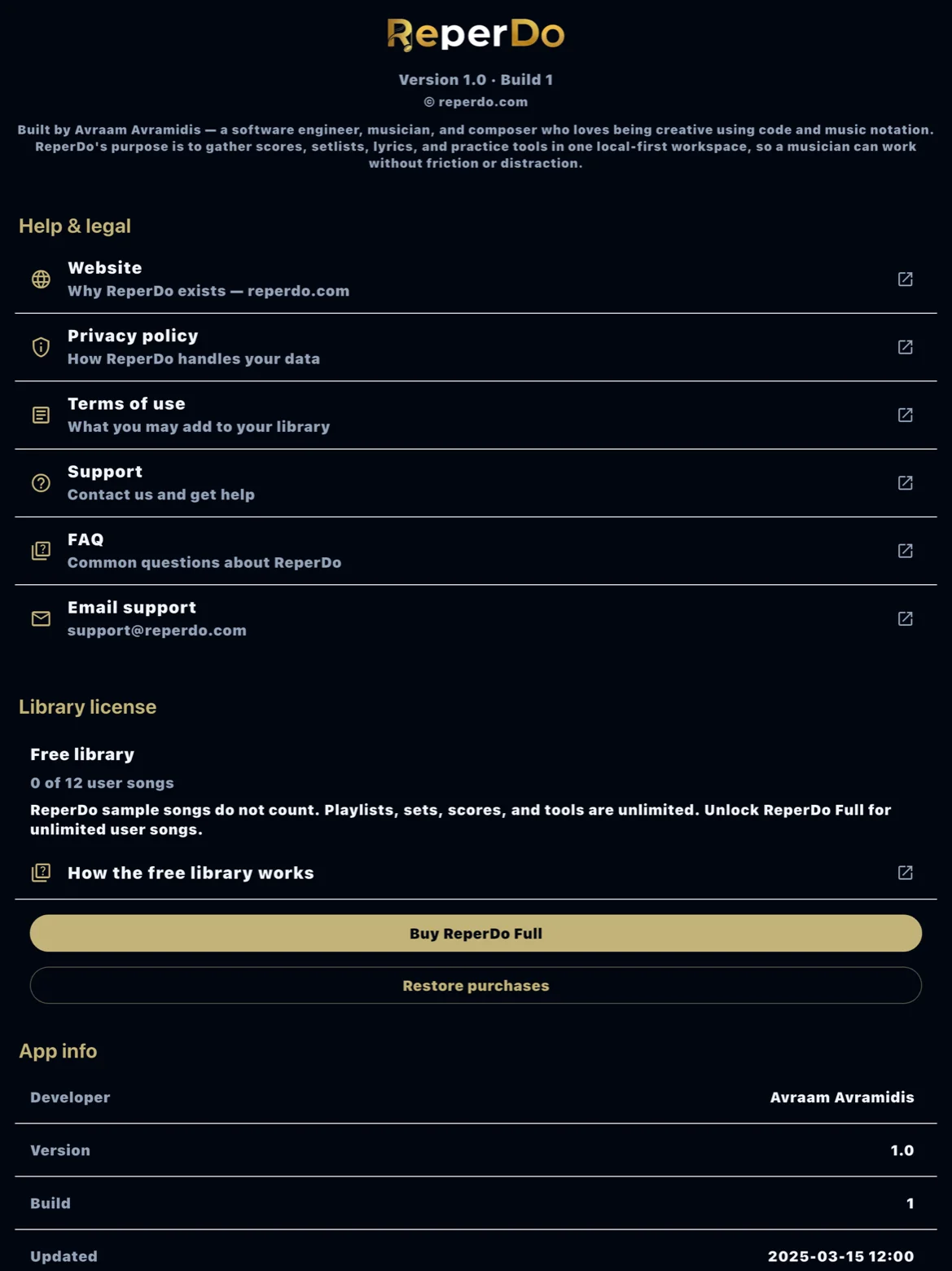
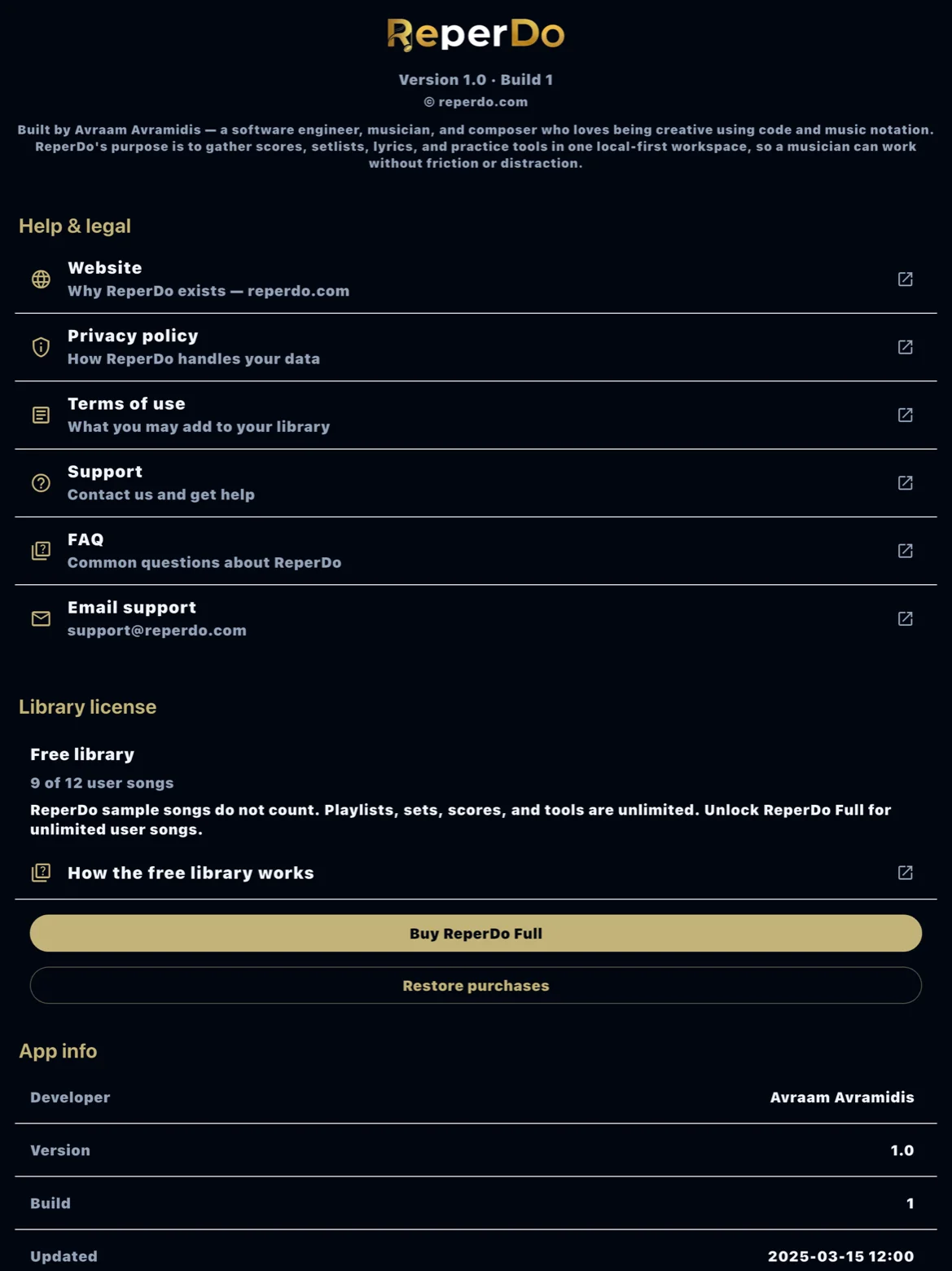
Open Settings → About. You will see the license type (Free library or Full library) and the library line. Use Buy ReperDo Full or Restore purchases. The same actions appear if you try to add a 13th user song. There is no checkout on reperdo.com and no homemade serial to type.
New phone
Restore purchases first (same Apple ID or Google account that paid or redeemed a gift code). Then import your library backup. If the backup has more than 12 user songs and the phone is still locked, ReperDo tries Restore purchases automatically, then refuses the import until the store unlocks the device.
Backups do not unlock the app
The ZIP is your music and files only. A backup from a full device does not turn a free install into ReperDo Full.
Still stuck?
Email support@reperdo.com. Include device, OS, and the ReperDo version from Settings → About. See also Back up your library.