Getting started
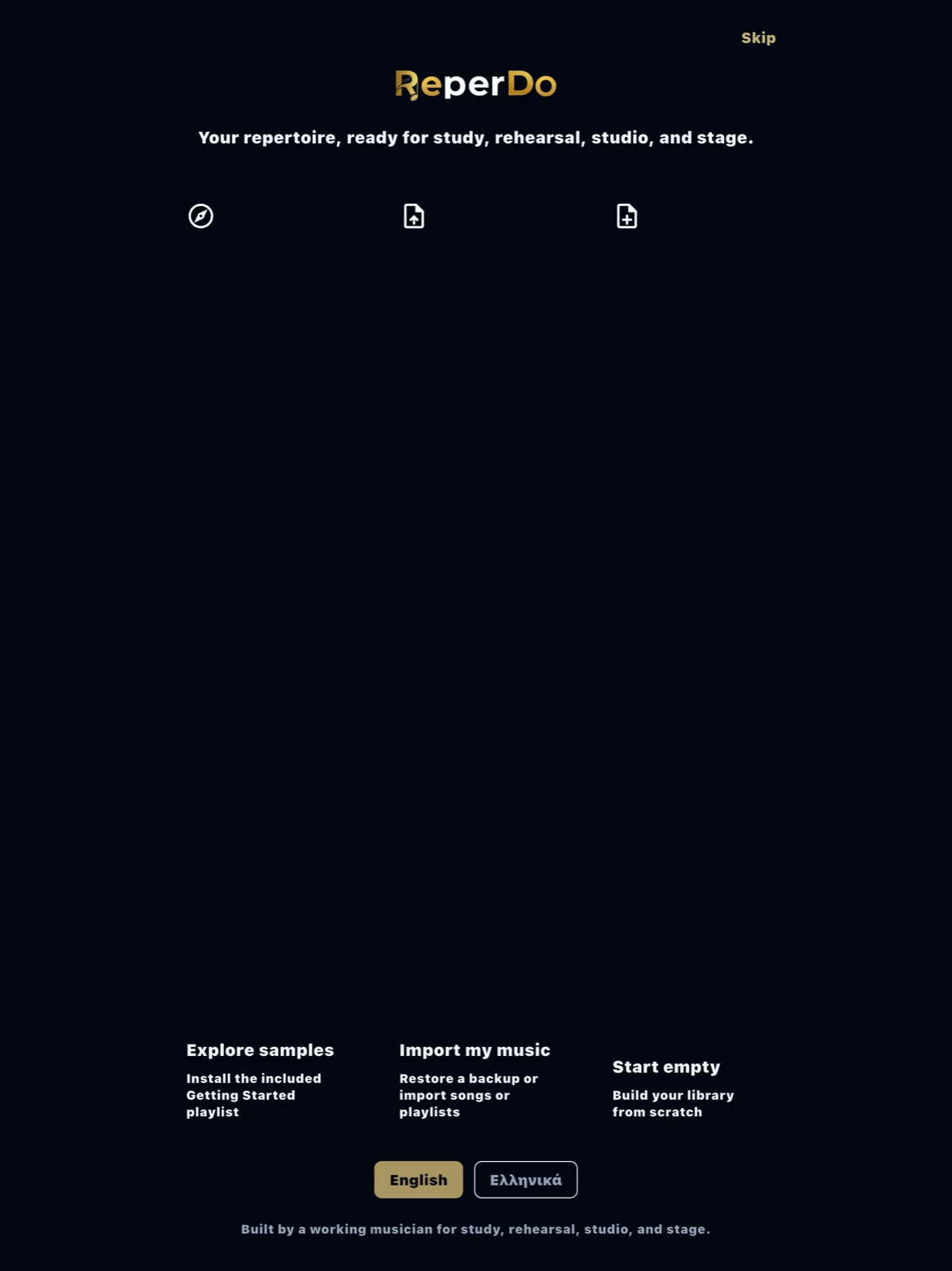
ReperDo opens with a short first-run flow. You can explore bundled sample songs, import music you already have, or start with an empty library.
Explore the samples
Sample songs show how a real library looks: lyrics, chords, scores, and practice tools on one song page. They do not count toward the 12 user songs on the free library. Rights for sample music are under About this music in the app.
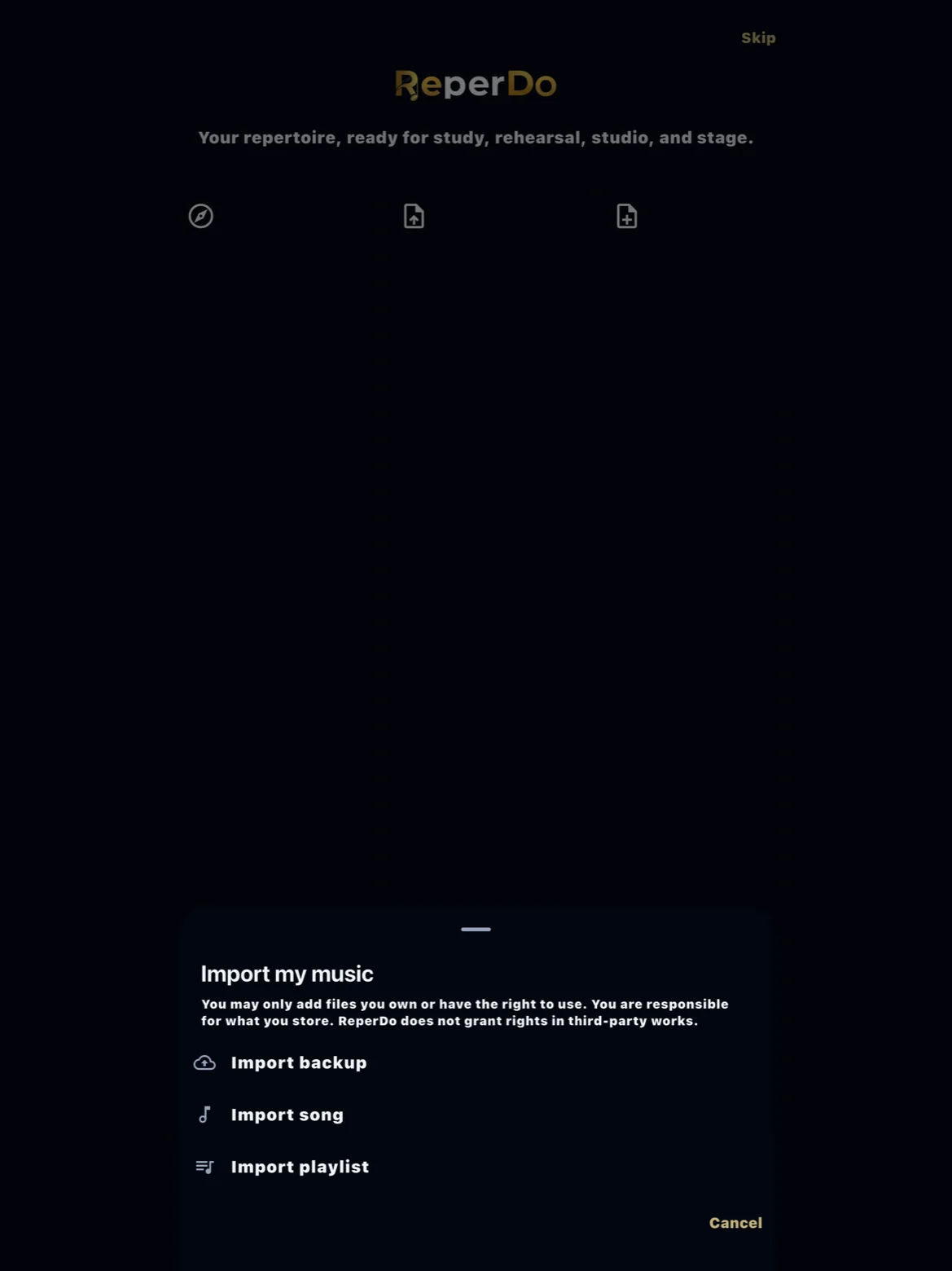
Import your music
Add a PDF, image, audio, MusicXML, MXL, or MuseScore file from the song page, or use Settings for CSV bulk import and ZIP bundles from another ReperDo user. You may only add material you own or have the right to use.
Start empty
Choose an empty library if you prefer to build from scratch. Create a song, add lyrics or a score, and save it to a playlist when you are ready for a set.
What to learn next
Read Songs, playlists, and song sets for the mental model, and Free library and ReperDo Full if you are approaching the 12-song limit.