Songs, playlists, and song sets
ReperDo organizes your repertoire in three layers: songs hold the music, playlists order a show or lesson, and song sets group alternate versions of the same piece.
Songs
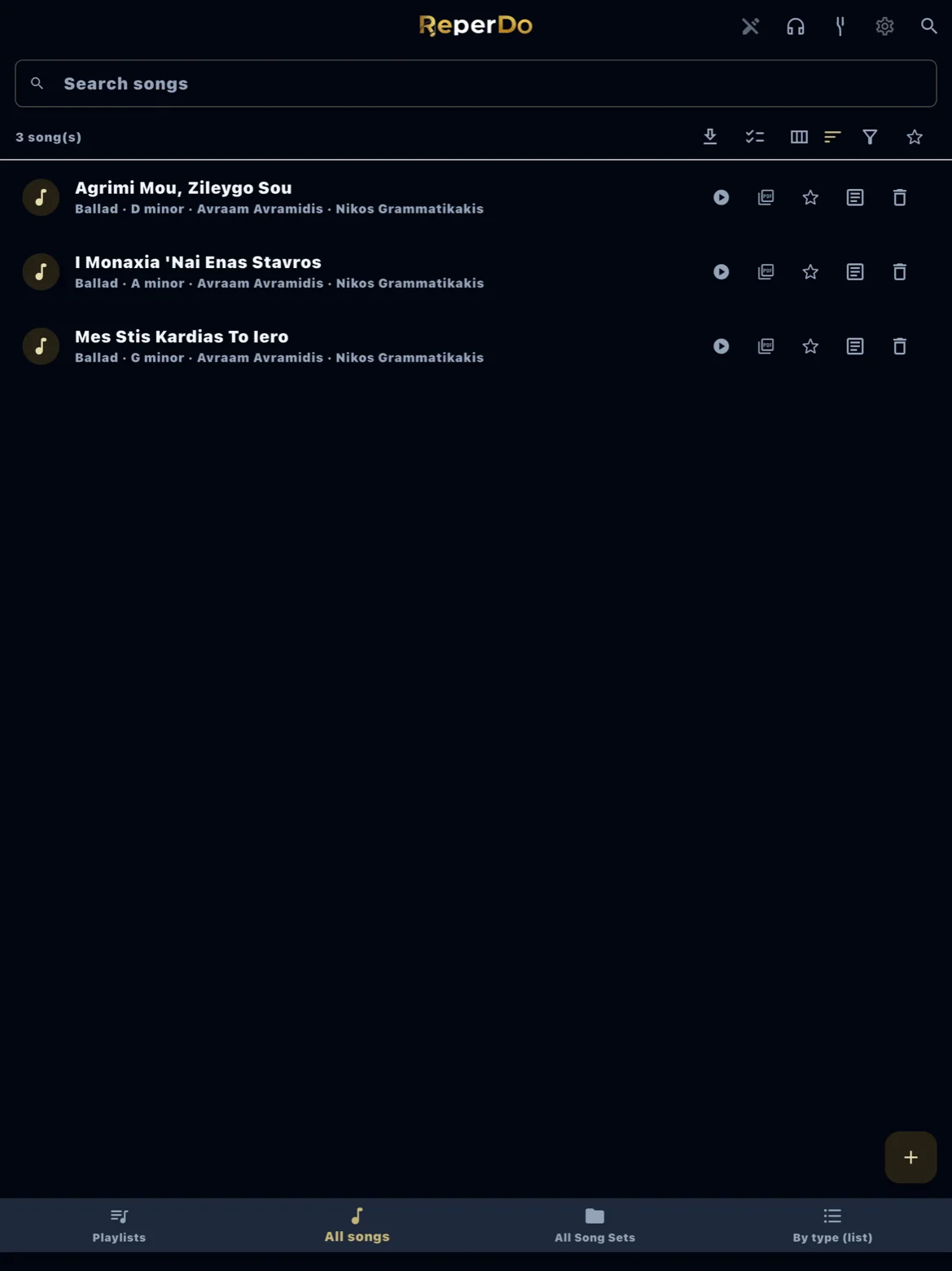
Each song is one card in your library. A song page holds lyrics, chords, PDF or image scores, MusicXML or MuseScore files, reference audio, metronome and tuner settings, and practice recordings. Search, favorites, and people tags help you find songs quickly.
Playlists
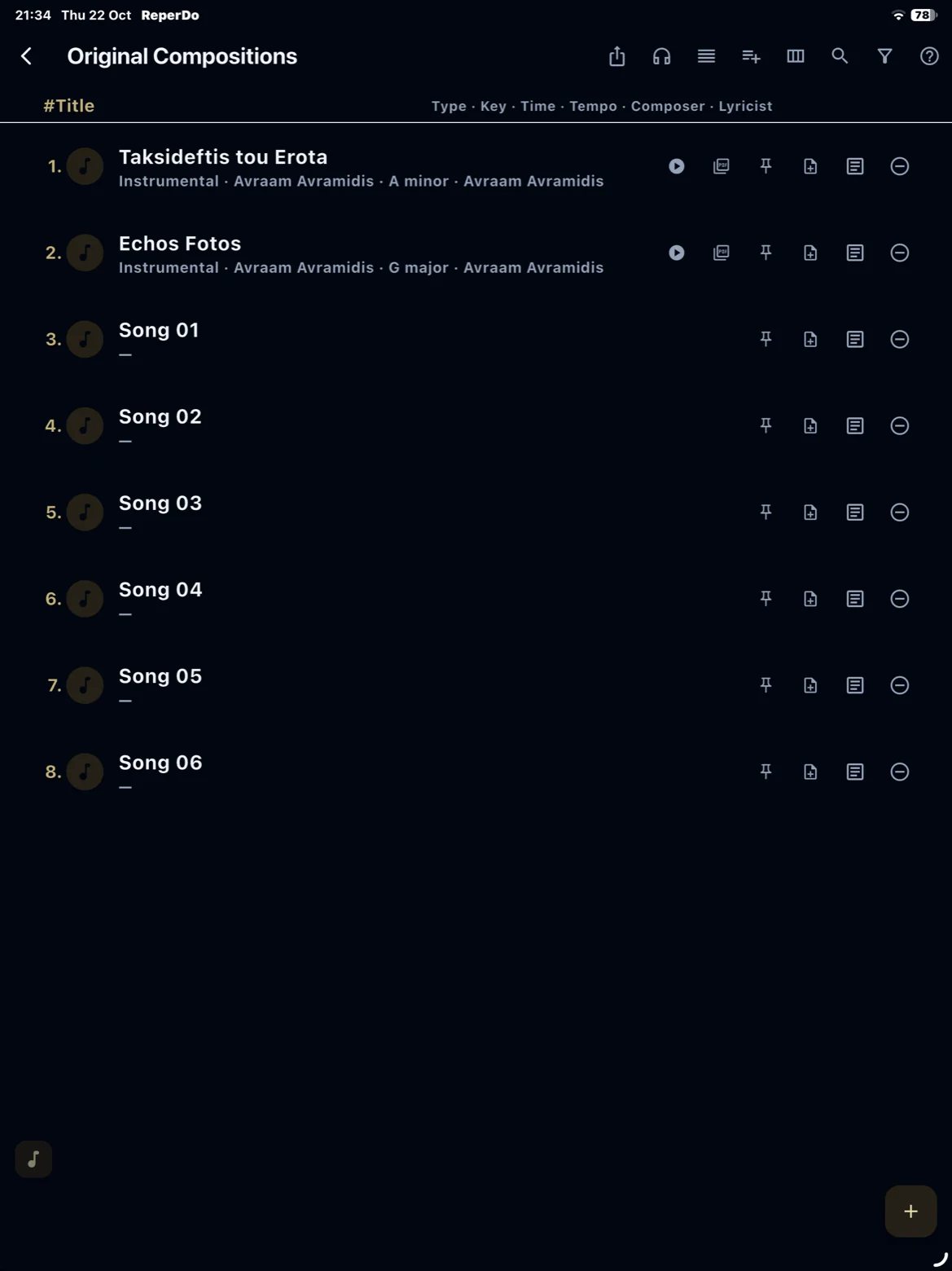
A playlist is an ordered list for a gig, lesson, or semester. Open a playlist to step through songs with prev/next, export a setlist PDF, or rehearse the set offline.
Song sets
A song set links related versions — for example Greek and English lyrics, or full score versus lead sheet. Pick the version you need without duplicating the whole song.
User songs vs samples
Songs you create, copy, or import are user songs and count toward the free library limit. Bundled samples do not. See Free library and ReperDo Full.