
Live mode
Live mode is read-only for a lesson or gig — so taps and gestures do not change lyrics, chords, or scores mid-song.
Turn it on
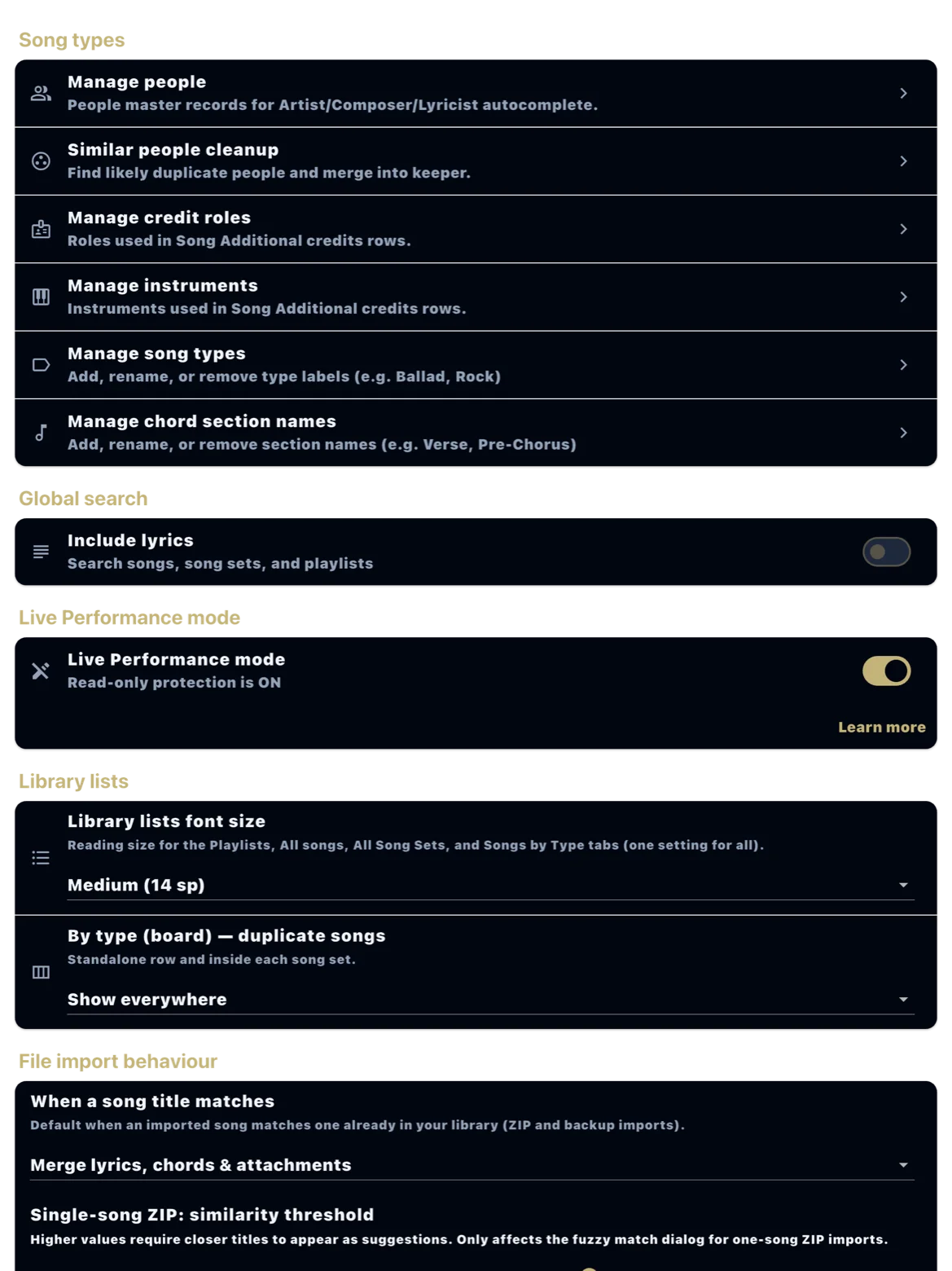
Enable Live mode in Settings before the show or lesson. You can also reach it from the contextual help when you toggle Live on a playlist.
During the set
Step through the playlist, open fullscreen scores, and use prev/next. Edits, deletes, and accidental drags are blocked until you turn Live mode off.
With scores and lyrics
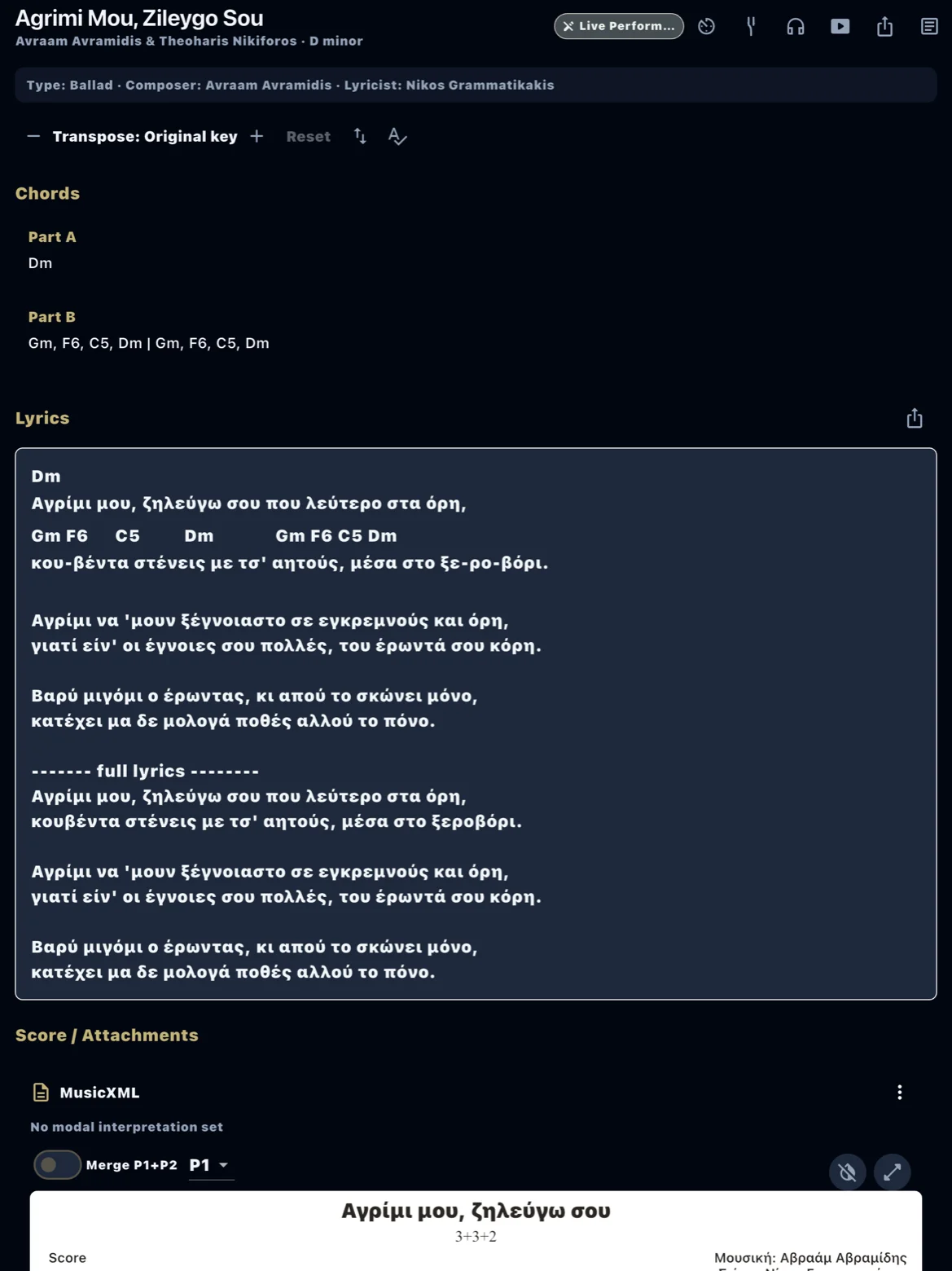
Live mode works with PDF stage scores, lyrics, and chords on the same flow. MusicXML playback still works for reference if you need it.
After the show
Turn Live mode off in Settings to edit again. For attaching charts, see Add a score and use it on stage.