
Lyrics, chords, and transpose
The song page keeps words and chords together — the everyday view for singers and accompanists.
Lyrics
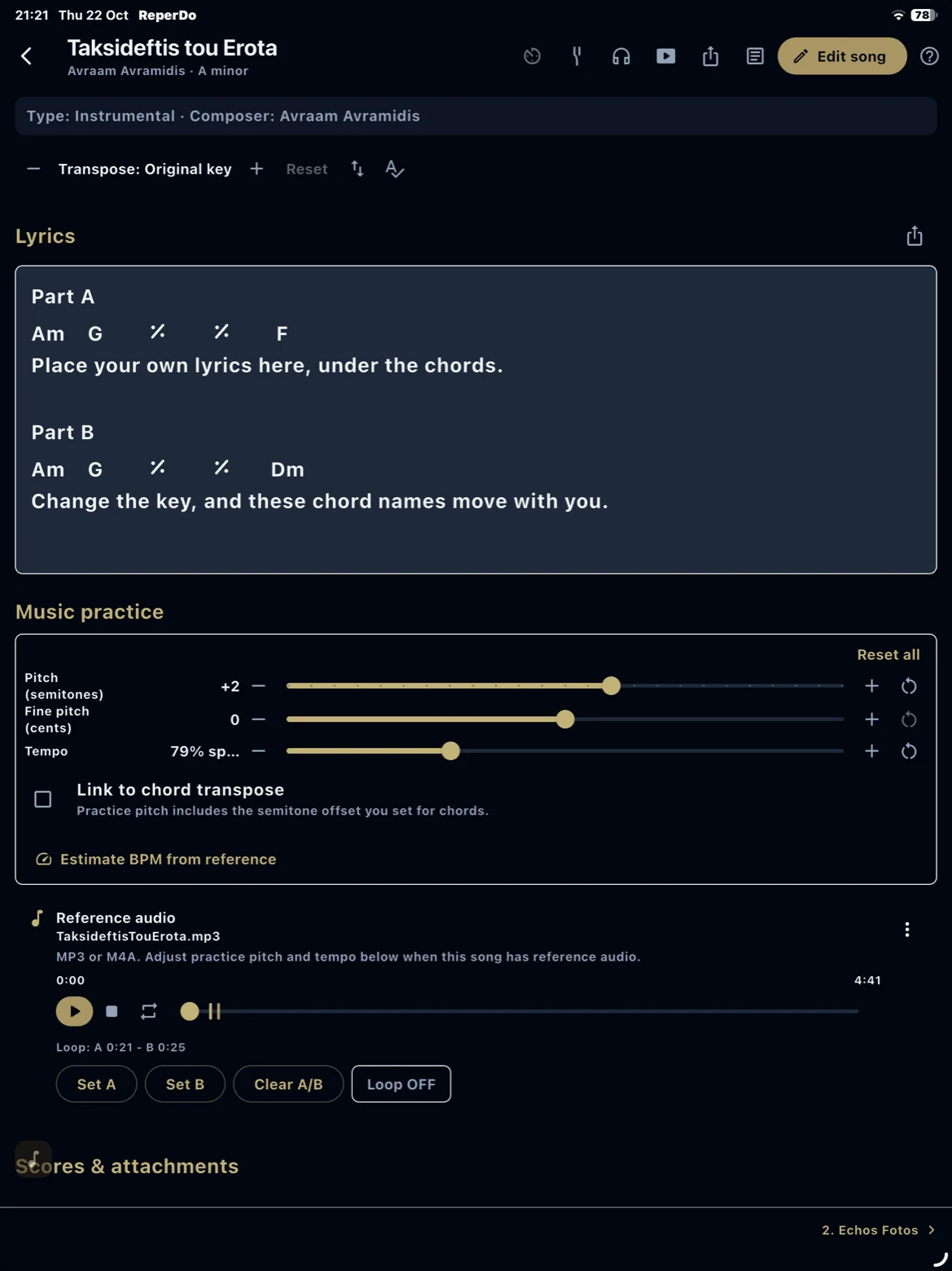
Type or paste lyrics in sections. Star a line to mark it as a chord row. Keep Greek, English, or other scripts in UTF‑8 — the app and CSV import support them.
Chords
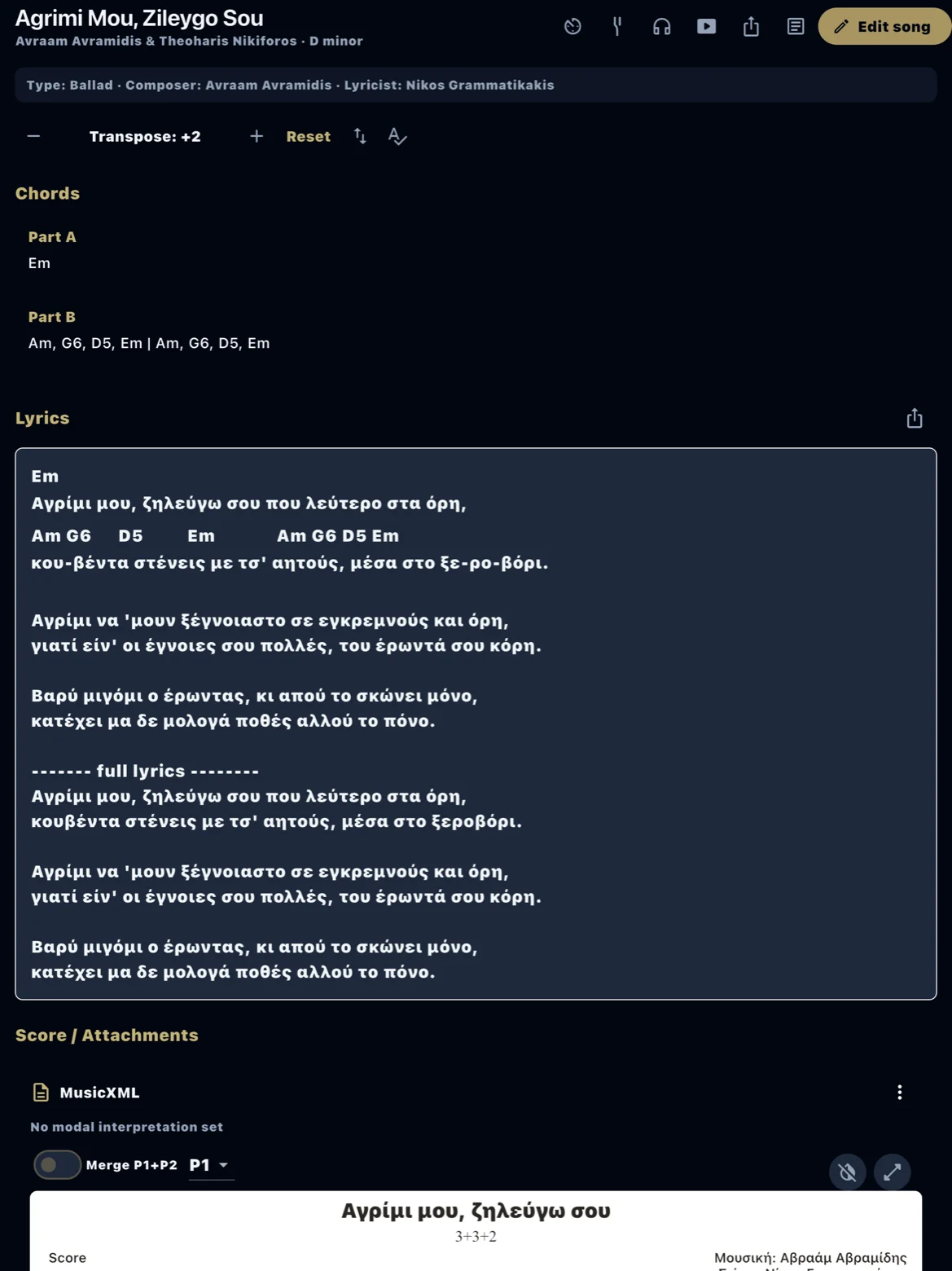
Add chord sections above lyrics or inline on starred rows. Chords stay with the song when you export a backup or setlist PDF.
Transpose
Transpose chord sections and starred chord rows by semitone on the song page. Reset returns to the original key. Transpose affects display only — it does not change the underlying file attachments.
On stage
Open the song from your playlist in large type. Pair with a stage score PDF when you need notation and chords together.