
Modal score playback: instruments and makam
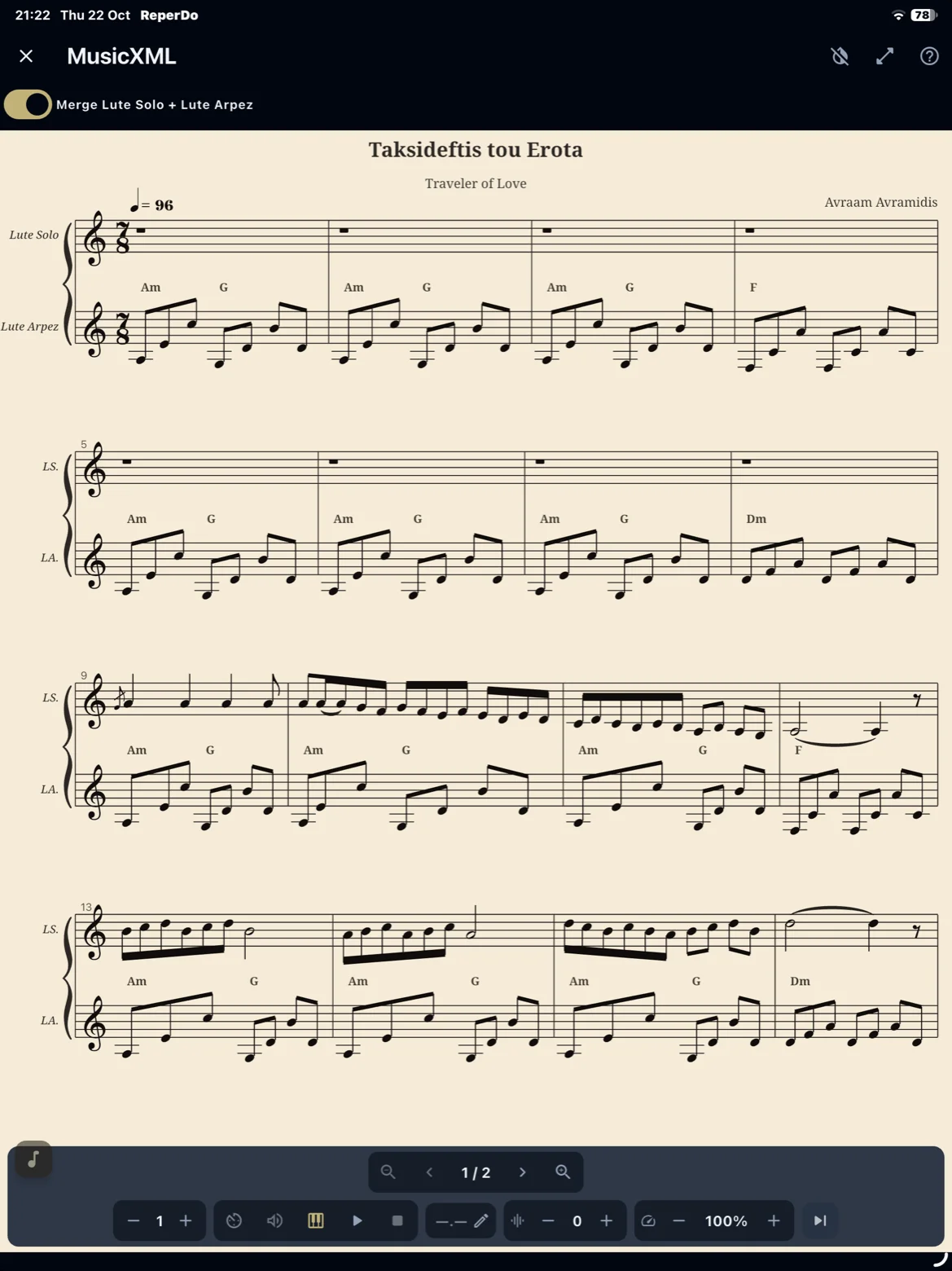
For attached MusicXML and MuseScore files, ReperDo can play back with recorded samples (oud or piano) and, for Turkish repertoire, a chosen makam preset and karar (tonic). The notation on screen always stays as written; only the sounding playback follows your settings.
Pedagogical playback — not a complete makam performance
Modal score playback is designed for study and orientation: to connect what you see on the page with approximate sounding pitch, and to give you a first sense of how a makam preset differs from ordinary Western equal temperament. It is a practice and learning aid — not a substitute for authoritative recordings, live performance, or instruction in the oral tradition.
In Turkish art music, a makam is not a fixed scale stored in a file. It is a modal system shaped by seyir (melodic path), centuries of performance practice, ornamentation, repertoire context, and subtle intonation that skilled musicians adjust in real time. Reproducing that richness automatically from notation alone is, for practical purposes, not achievable in a general-purpose score player.
ReperDo applies a clear, consistent interpretive model: a named makam preset, a karar, and rules that turn written notes into specific frequencies, together with multisample playback. That model is musically informed and useful in the classroom and practice room, but it is necessarily a simplification. It cannot express the full nuance of a master taksim, the inflection of a particular composition, or regional and personal variation within the tradition.
Use it to read along with the score, compare presets, and build familiarity before you deepen your ear with recordings and teachers. Do not use it to judge whether a live musician is “in tune,” settle disputes about canonical intonation, or treat playback as “the” makam as performed in concert.
How the pieces fit together
1. Attach MusicXML or MuseScore on the song page — same reader as in the MusicXML guide.
2. Per score: open Playback tuning & tradition… and set modal interpretation — tradition (Western or Turkish), makam preset, and karar when Turkish is selected.
3. App-wide: under Settings → Playback → Modal score (MusicXML), choose MusicXML instrument (oud or piano). Instrument affects timbre only; pitch still comes from the interpretation and your conflict policy.
Modal interpretation (per attachment)
On the MusicXML attachment menu, choose Playback tuning & tradition… (modal interpretation). Set Tradition to Western for ordinary equal-temperament playback, or Turkish to pick a makam preset (for example Rast, Hicaz, Nihavent) and a karar — the tonic the makam is tuned from. The MusicXML file on disk is never modified.
Optional per-score conflict policy overrides the Settings default for how explicit accidentals in the file combine with the active preset. The default in Settings is usually Preset (makam) wins.
MusicXML instrument (oud or piano)
Under Settings → Playback → Modal score (MusicXML), pick MusicXML instrument. ReperDo loads that sample bank the next time you play a score. You can hear the same piece on oud or piano; only timbre changes — not the modal pitch rules.
More instrument banks may appear in future packs; today the app ships with oud and piano.
Western, Turkish makam, and Greek dromoi
Western — Equal temperament (ordinary semitone steps). Use when no modal preset is needed or Tradition is Western.
Turkish — Choose a makam preset and karar. Playback uses microtonal intervals from the preset ladder (study model — see pedagogical limits above).
Greek — Choose a dromos preset from the canonical library. Playback uses 12 semitone steps from the tonic (folk/chord-scale convention), not the Turkish 53-comma pipeline. Sygkermatikó chord templates in the library are reference metadata, not automatic accompaniment unless written in the score.
Arab maqam and Byzantine systems are not part of v1 playback. When in doubt, match the tradition your teacher or score uses.
What a makam preset means here
A preset names a structural modal template (interval relationships tied to a tonic) used to compute playback pitch. It is not a claim that every note in every piece should sound exactly that way in every historical school or on every instrument. Treat presets as labels for study, and deepen your understanding with recordings, teacher annotations, and live listening.
What happens when you press play
ReperDo resolves each note to a frequency from your interpretation, then plays it with the nearest recorded sample and fine pitch adjustment. Western lines use equal temperament across the range. Turkish lines use microtonal intervals from the preset ladder. First play after an app update may take a moment while samples are prepared on your device — normal for study playback, not a sign that the score file changed.