
Settings map
Settings is the control panel for the whole app. Sections collapse on one scrollable hub; search at the top filters rows by title.
Settings hub
Open Settings from the main tab bar. Each section has a title and one-line summary. Tap a section to expand its rows. Language and appearance are at the top; backup and danger zone are lower.
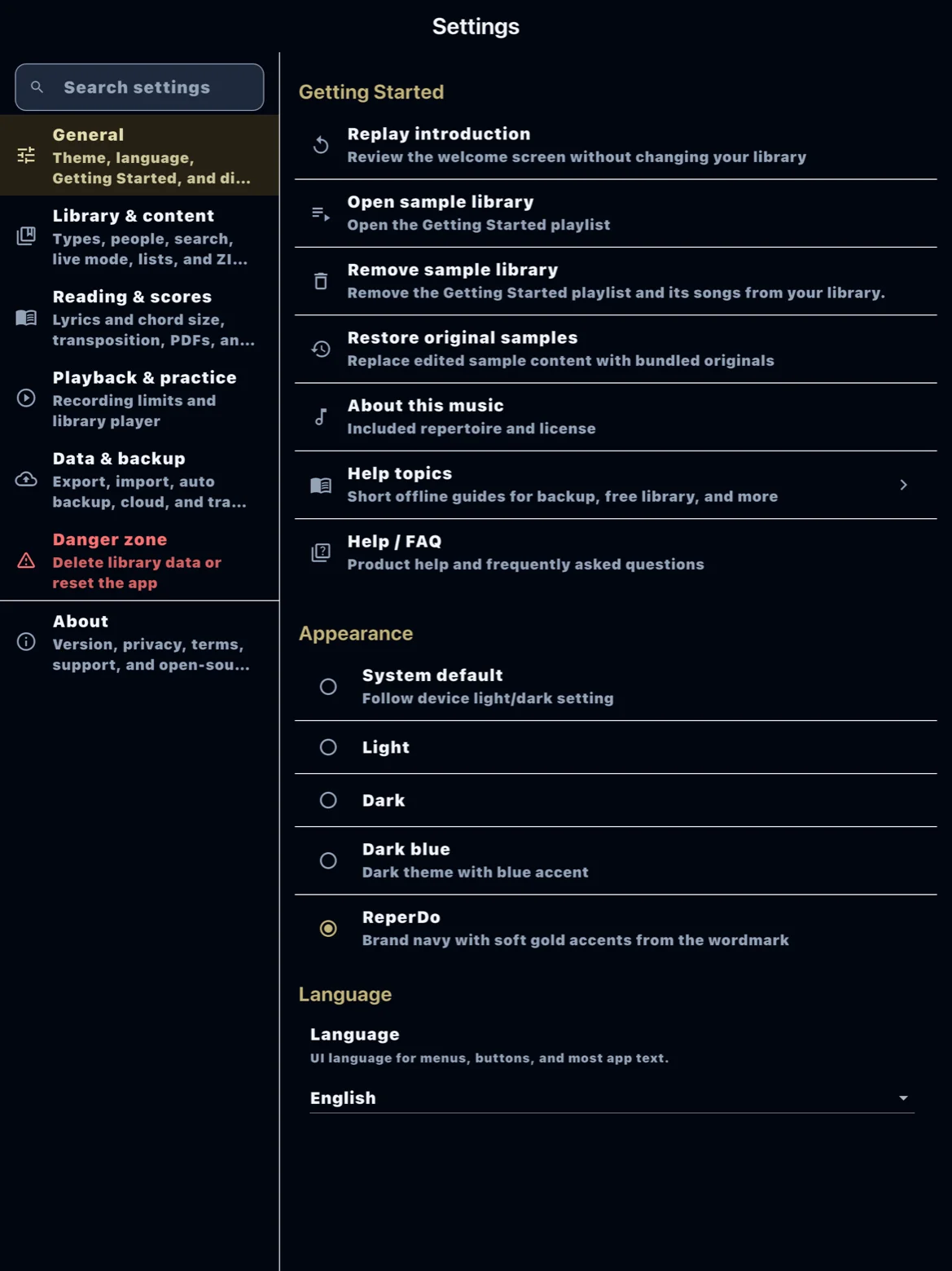
Getting Started and About
Getting Started holds the in-app Help topics and links to the website guide and FAQ. About shows ReperDo version, license type (Free library or Full library), Buy ReperDo Full, Restore purchases, privacy, terms, and support.
Library
Song types, global search (include lyrics or not), library list text size, song catalog export, and attachment storage (photo optimization, orphaned files overview). Import ZIP default rules live under import-related rows in Data & backup.
Reading and performance
Song view text size, chord transpose naming, page-turn pedal enablement and key profile, and library reference-player defaults. Live mode itself is toggled on the song page, not buried here.
Data & backup
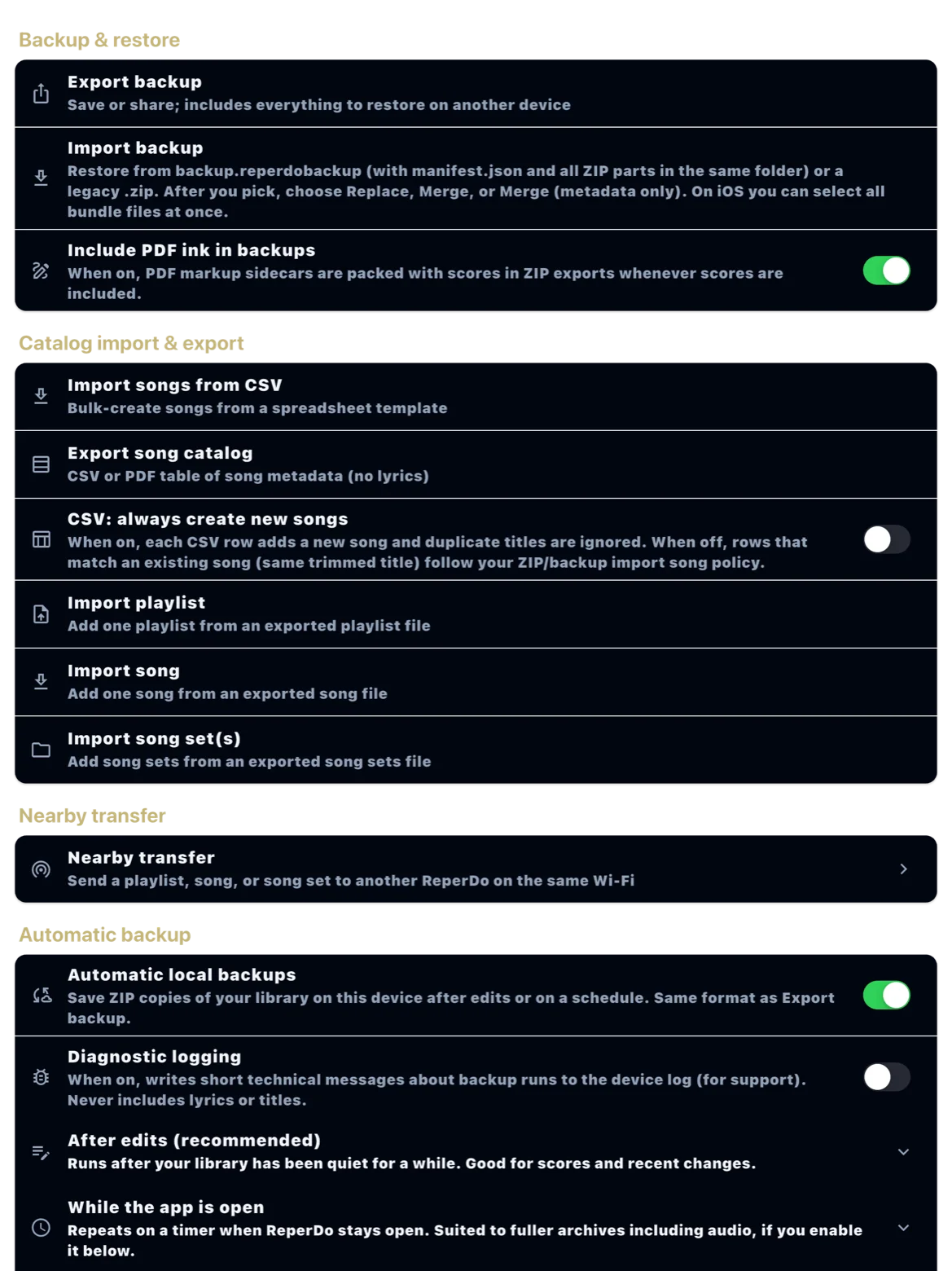
Export backup, import backup, automatic backup, cloud providers, CSV import, nearby transfer, and import playlist/song/song set ZIP. This is the main place for moving data in and out.
Danger zone
Delete all songs, song sets, or playlists, and Reset app. Each action is destructive and confirmed. See Reset app and delete library before using these on a device you care about.