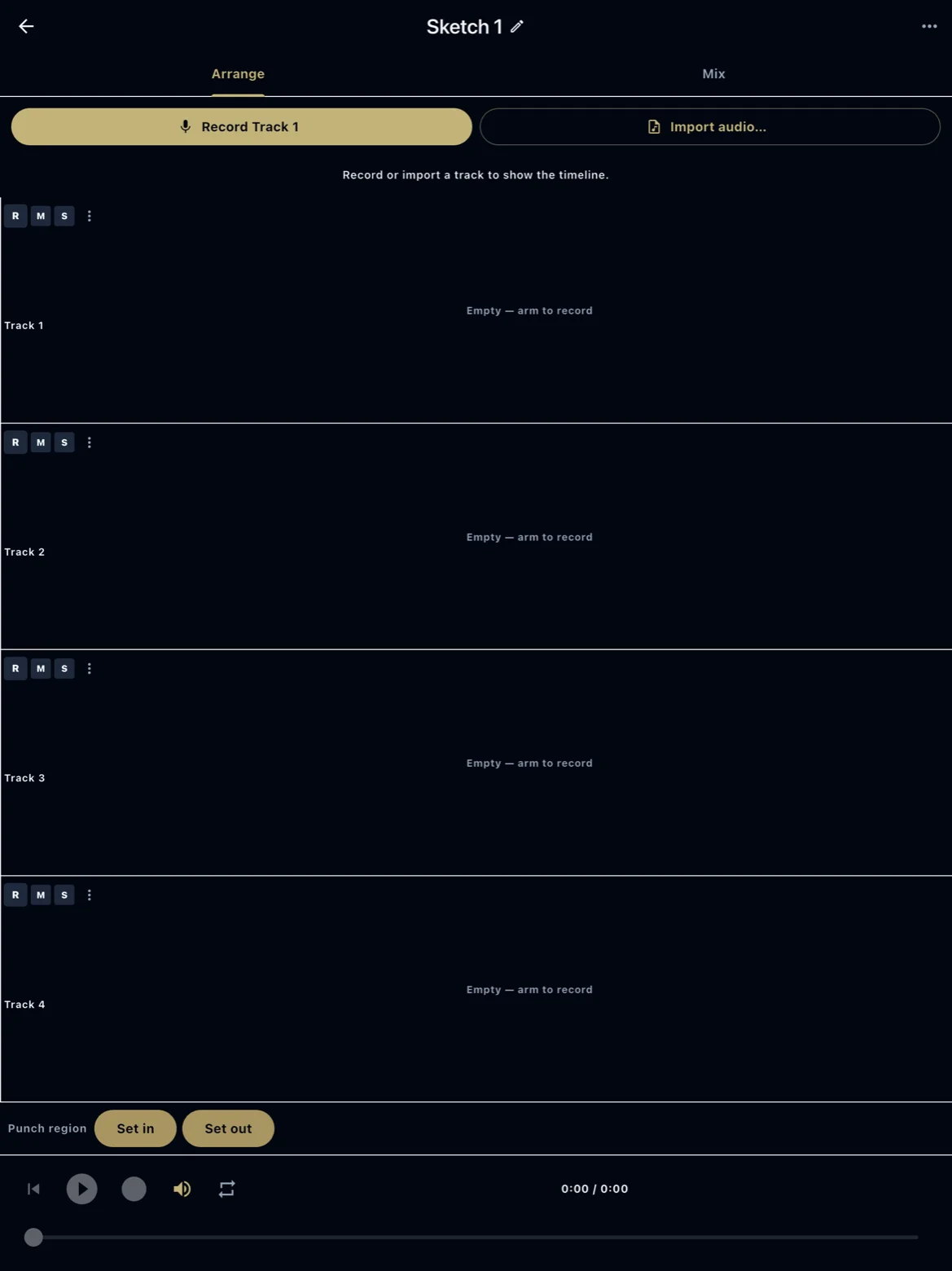
4-track sketch (early)
ReperDo includes a simple four-track recorder for capturing ideas next to a song. It is early, intentionally limited, and not a replacement for a desktop DAW.
What it is
From a song attachment you can open Multitrack sketch, arm up to four tracks, record overdubs, and mix down to a master clip attached to the same song. It is for demos and practice cues — layering a guide vocal, a click, or a harmony — not for publishing an album.
Limits
Four tracks, basic level pan per track, no MIDI instruments, no plugin effects chain, and no multitrack export to other apps beyond the mixed result ReperDo saves. Editing is clip-based inside the sketch editor, not a full timeline DAW. Expect rough edges in early releases.
Headphones and monitoring
Use wired headphones when recording overdubs to avoid microphone bleed from speakers. Latency depends on the device; shorter takes are easier to align than long rubato passages.
What it is not
This is not Logic, Reaper, or GarageBand. If you need punch-in editing, virtual instruments, or stem export, finish the sketch in a DAW and attach the mixed reference audio to the song instead. ReperDo remains a repertoire app first.