
Metronome, reference audio, and practice recording
Each song page can host practice tools beside lyrics and scores. They work offline once files are on the device.
Metronome
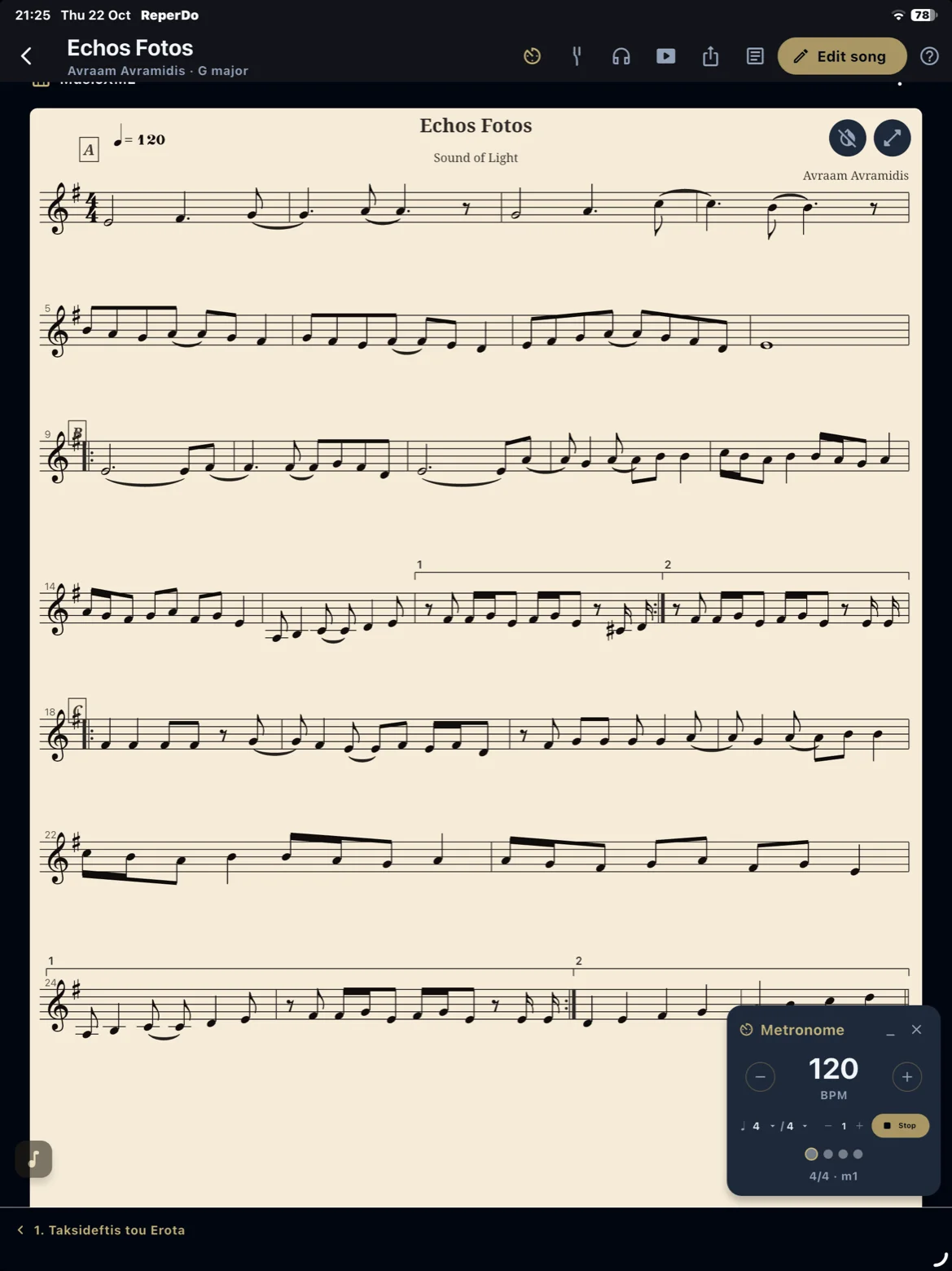
Open the metronome from the song page toolbar. For a simple loop, set tempo and time signature and press Start. For a piece that changes, use Structured metronome: map sections in Song metadata, then the click follows the form and stops at the last bar. Optional one- or two-bar count-in lives in Settings → Playback.
Metronome sounds
In Settings → Playback → Metronome sounds, choose how the click sounds app-wide: Synthetic (default) or recorded Woodblock, Djembe, Darabuka, Dumbek, or Bodhran samples. Each kit uses a stronger Dum on accented beats and a lighter Tek on weak beats. The same kit is used for the simple metronome loop and Structured metronome. This is separate from MusicXML instrument (oud/piano score playback) and separate from the optional score click while a MusicXML file is playing.
Reference audio
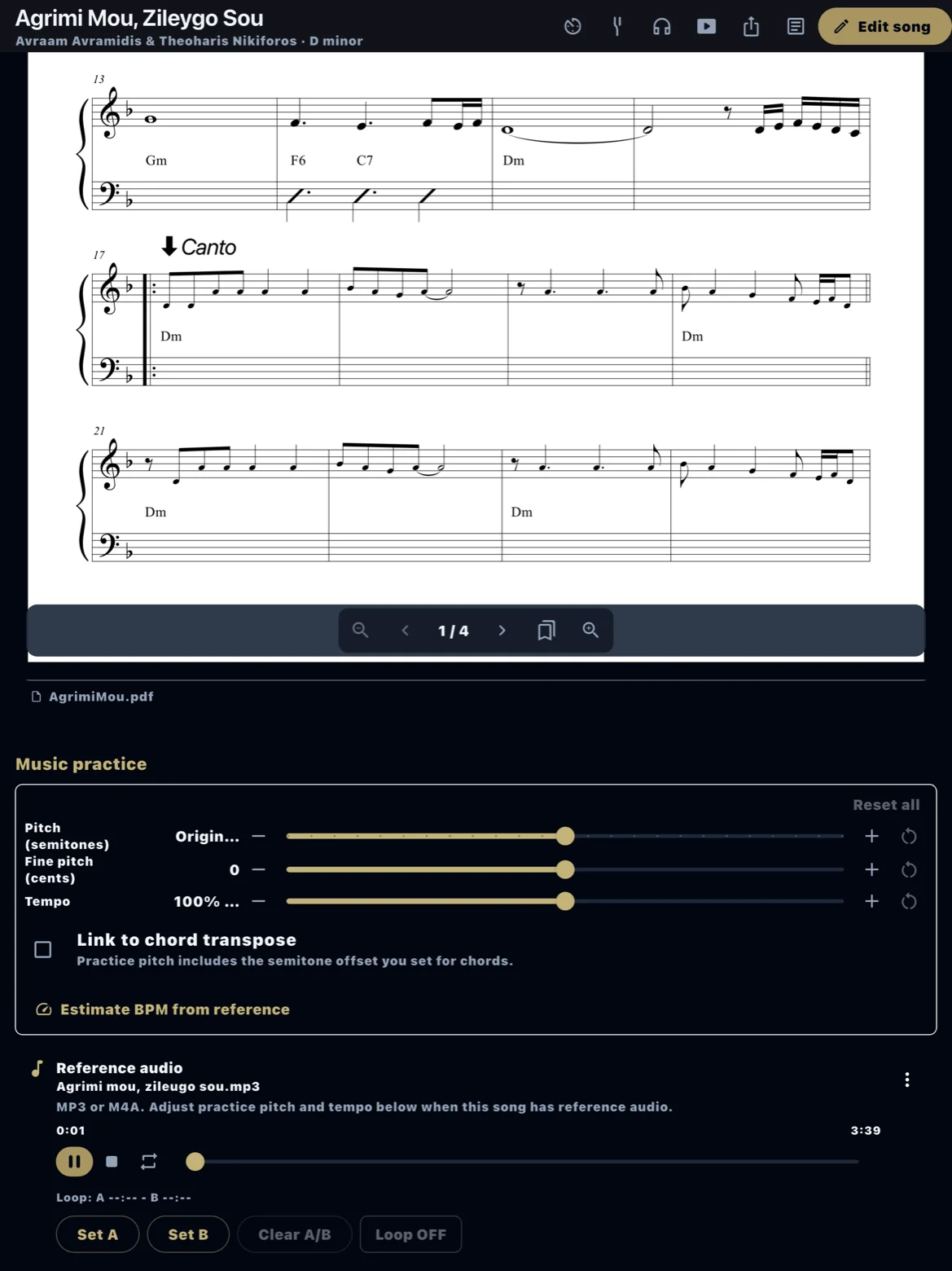
Attach reference audio (your own recording or licensed track) to the song. The player supports pitch shift, tempo change, and an A–B loop for drilling a section. Global defaults for pitch and tempo live under Settings → Library player; each song can still be adjusted on the page.
Practice recording
Record a take into the song for quick self-review. Recordings stay in the song attachment list — they are not a multitrack studio. Delete old takes from the attachment menu to save space. Microphone permission is required on first use.
Tuner
The chromatic tuner uses the device microphone. Open it from the song page or practice area, tune in a quiet room, and dismiss when finished. It does not auto-save pitch to the song metadata.
Score playback
On a MusicXML or MuseScore score, transpose playback and export that performance as audio. For oud/piano samples and Western, Turkish makam, or Greek dromos tuning, see the Modal score playback guide and the MusicXML guide.