
Transfer library to a nearby device
Nearby transfer moves a ReperDo export ZIP directly between two phones or tablets on the same local network — useful when cloud upload is slow or you are beside a bandmate.
When to use it
Use nearby transfer for a playlist, single song, or song set export ZIP — the same bundles you would AirDrop or message. It is not a full-library migration tool; for that, use Export backup and Import backup in Settings → Data & backup.
Sender and receiver
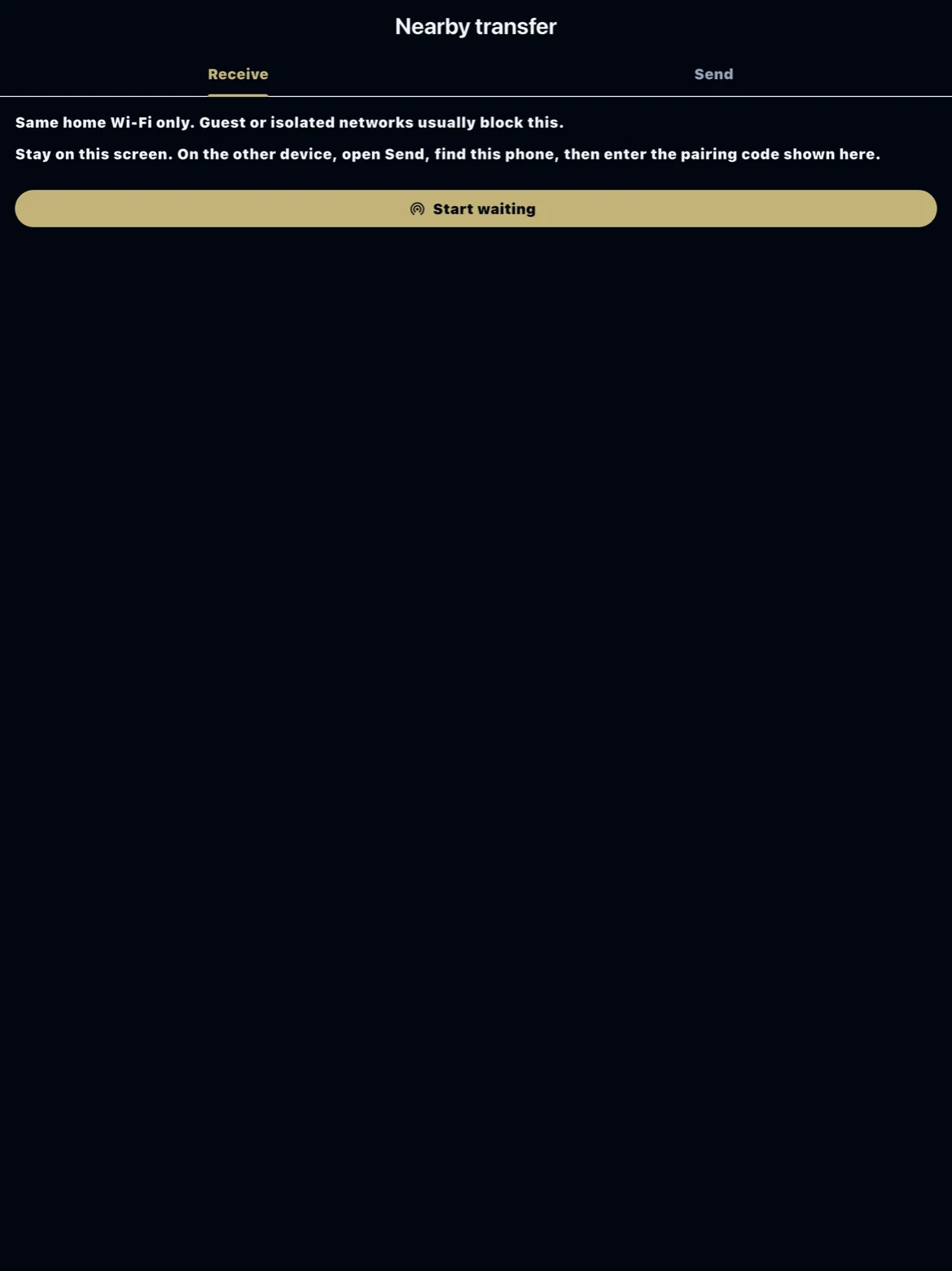
Both devices need ReperDo open, on the same Wi‑Fi (or hotspot), with local network permission granted. On the receiving device open Settings → Data & backup → Nearby transfer and start waiting. On the sending device choose Send, pick the ZIP, and select the receiver when it appears.
Pairing code
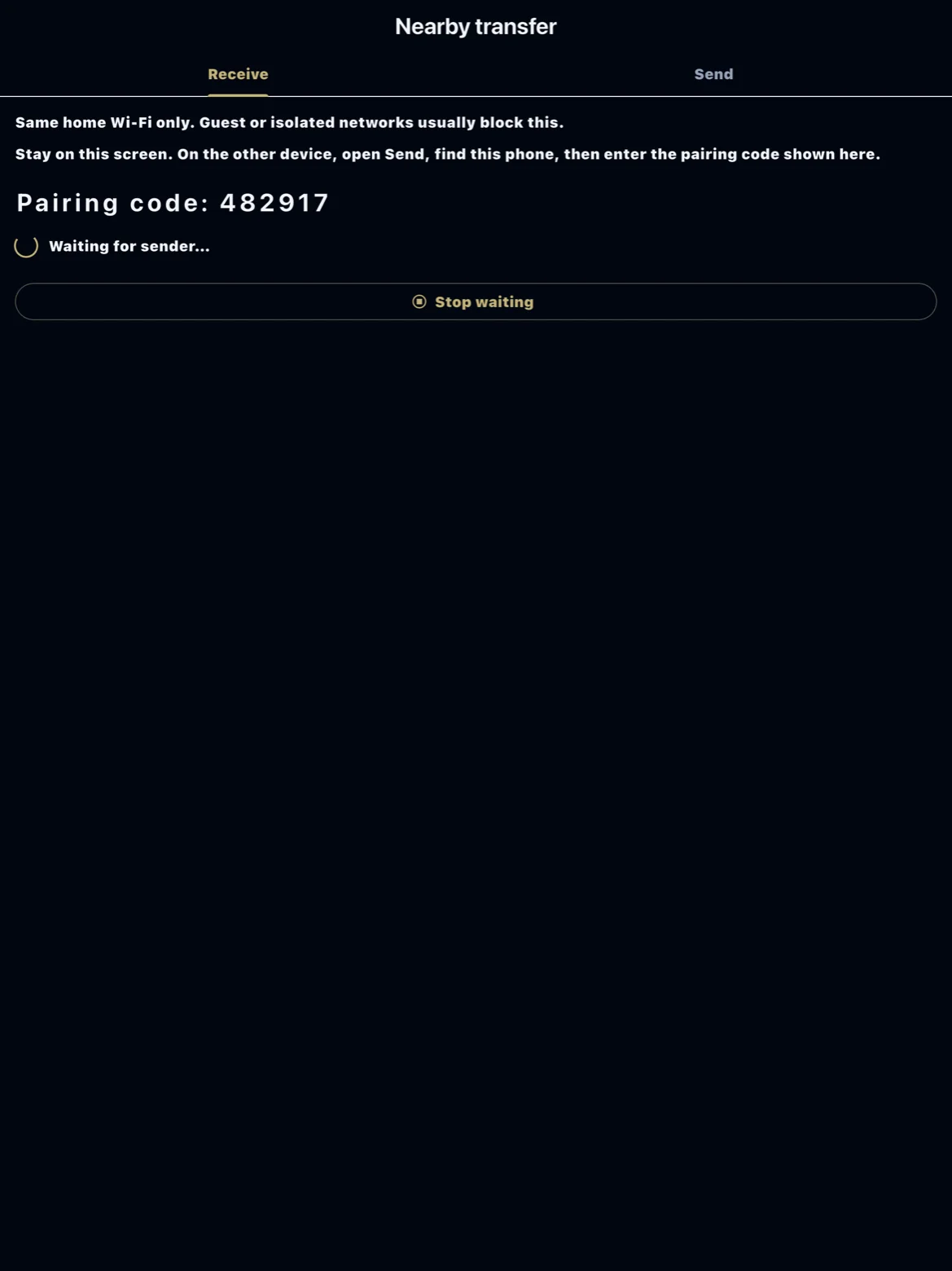
The receiver shows a short pairing code. Confirm the code matches on the sender before the file transfers. The sender uploads the ZIP over TCP; the receiver imports it into the library when the transfer completes. Stay on the transfer screen until import finishes.
Tips
Disable VPNs that block local discovery. If the receiver never appears, toggle Wi‑Fi or restart Bonjour/mDNS by leaving and re-entering Nearby transfer. Large ZIPs need free storage on both devices. Conflicts follow the same rules as manual ZIP import.