
Page turn, invert, and pedal
On the stand you need large pages, readable contrast, and hands-free turns. ReperDo supports swipe and tap, optional color invert, and standard Bluetooth page-turn pedals that act as a keyboard.
Fullscreen and page turns
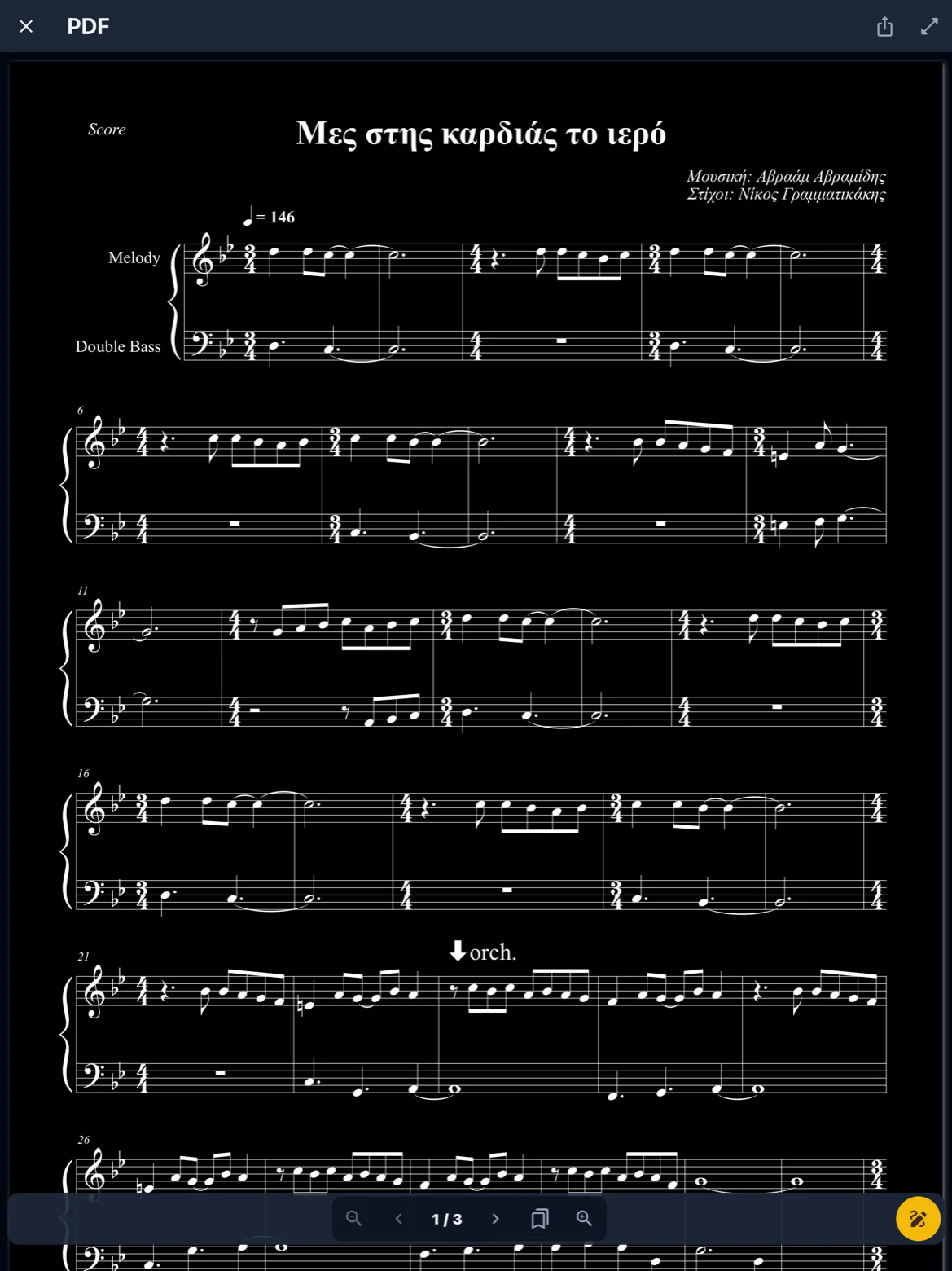
Open a PDF or image score and enter fullscreen from the score toolbar. Swipe or tap the screen edges to change pages. Pin a stage score on the song page so each song in a playlist opens on the right file. Live mode keeps the view read-only during a gig.
Invert colors
Invert (negative) colors helps on a dark stage or with harsh lighting. Toggle invert from the score viewer menu; the choice applies while you read that score. It does not edit the underlying PDF file.
Page-turn pedal
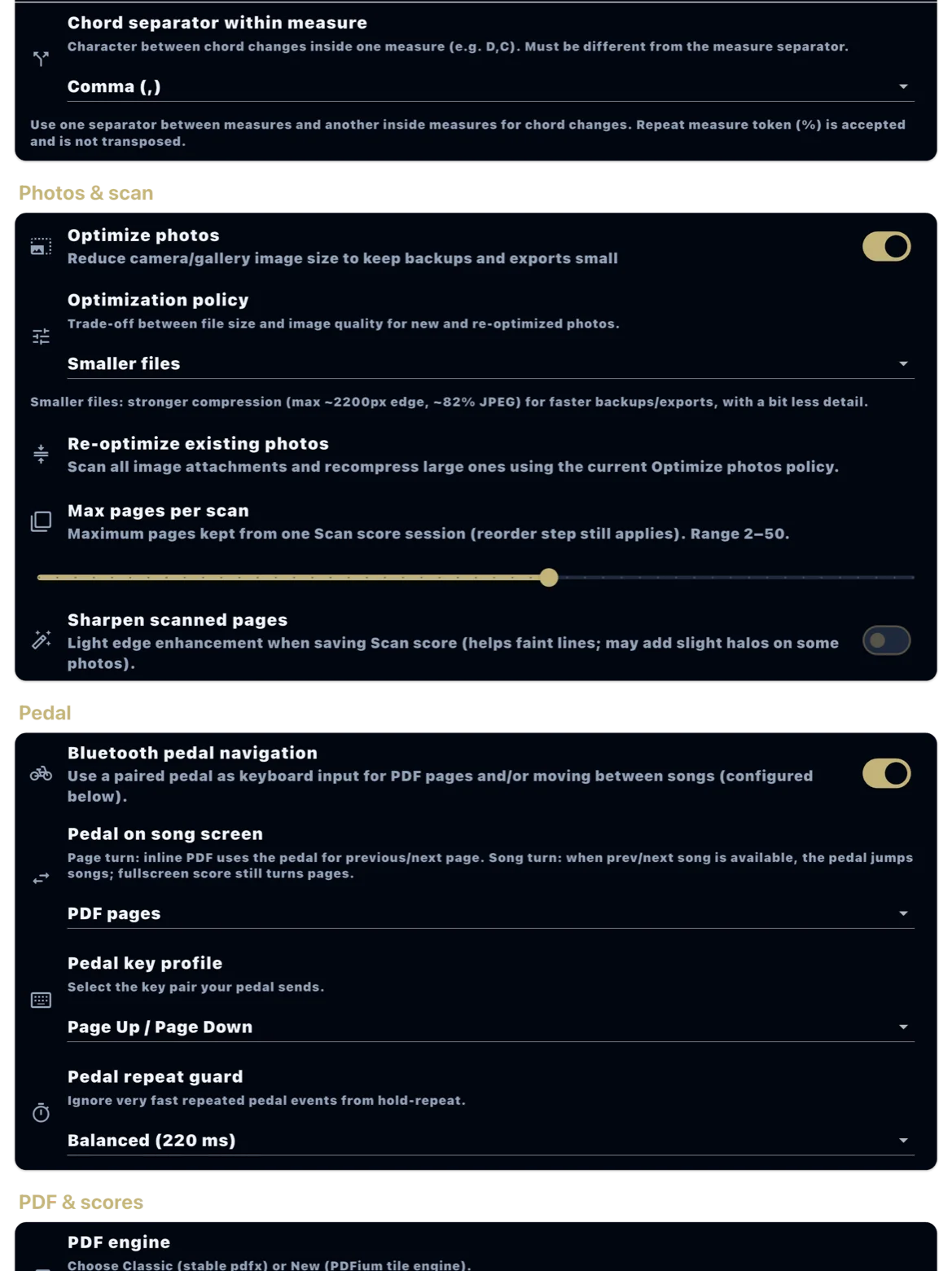
Many pedals pair as a Bluetooth keyboard and send key events (Page Up/Down, arrow keys, Space/Enter). Enable the pedal in Settings → Reading → Page-turn pedal. ReperDo listens for those HID key codes while a score is fullscreen. A repeat guard ignores accidental double taps. Pedals do not need a special ReperDo driver — if the pedal works in Notes or a browser as arrow keys, it should work here.
Key profiles and behavior
Choose a key profile that matches your pedal (Page Up/Down, Left/Right, Up/Down, or Space/Enter). Behavior can turn pages within the score or advance to the next/previous song in a playlist. Test with the pedal connected before the gig; iOS and Android both use the same profiles.