
Mark up scores and bookmarks
Mark up a PDF, photo, or scan, or save a return point inside a long PDF. Marks and bookmarks stay with the song attachment on the device.
Ink annotations
Open the annotation tools in fullscreen and draw on the page. Pencil, highlighter, and eraser work on PDFs and on images. Ink is stored as an overlay on that attachment — not baked into the original file unless you export or share a flattened copy. Remove strokes with the eraser or clear tools in the viewer.
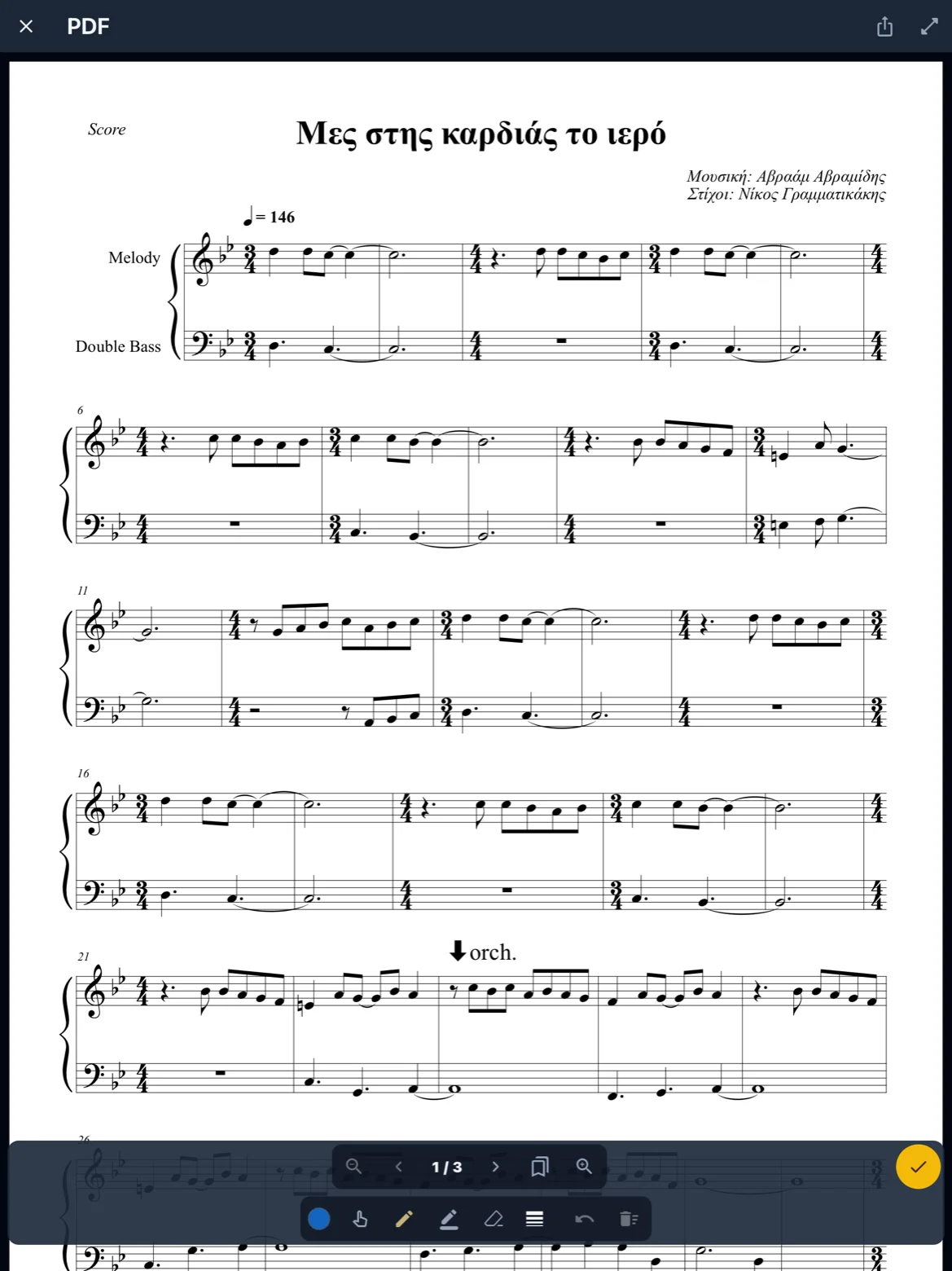
Images and scans
Pencil, highlighter, and eraser work on a photo, a camera shot, or a one-page scan. A multi-page scan is saved as a PDF and uses the same tools.
Music symbols
Choose the stamp tool and pick a music symbol — dynamics, articulations, repeats, and the rest of the palette. Tap to place it, drag to move it, and resize it. Erase one mark without clearing the page. Symbols sit on top of PDFs and images. They are not available on MusicXML.
Blanko (cover printed notes)
Use the blanko tool to paint over printed notation with a patch that matches the page paper color — on PDFs, photos, and scans. Draw freehand or drag a filled rectangle. Open the paper-color menu to switch shape, pick a color with the eyedropper, or resample if the page is busy. Cover sits under sepia and invert like the page itself; pencil, symbols, and text draw on top. Undo and clear page remove cover strokes too.
Free text
Choose the text tool, tap where you want a label, and type in the sheet that opens. Drag to move it; use size and color like other markup tools. The eraser removes whole text boxes. Text is stored in the annotation sidecar with ink and symbols, and is included when you share or export a flattened PNG or PDF.
Bookmarks
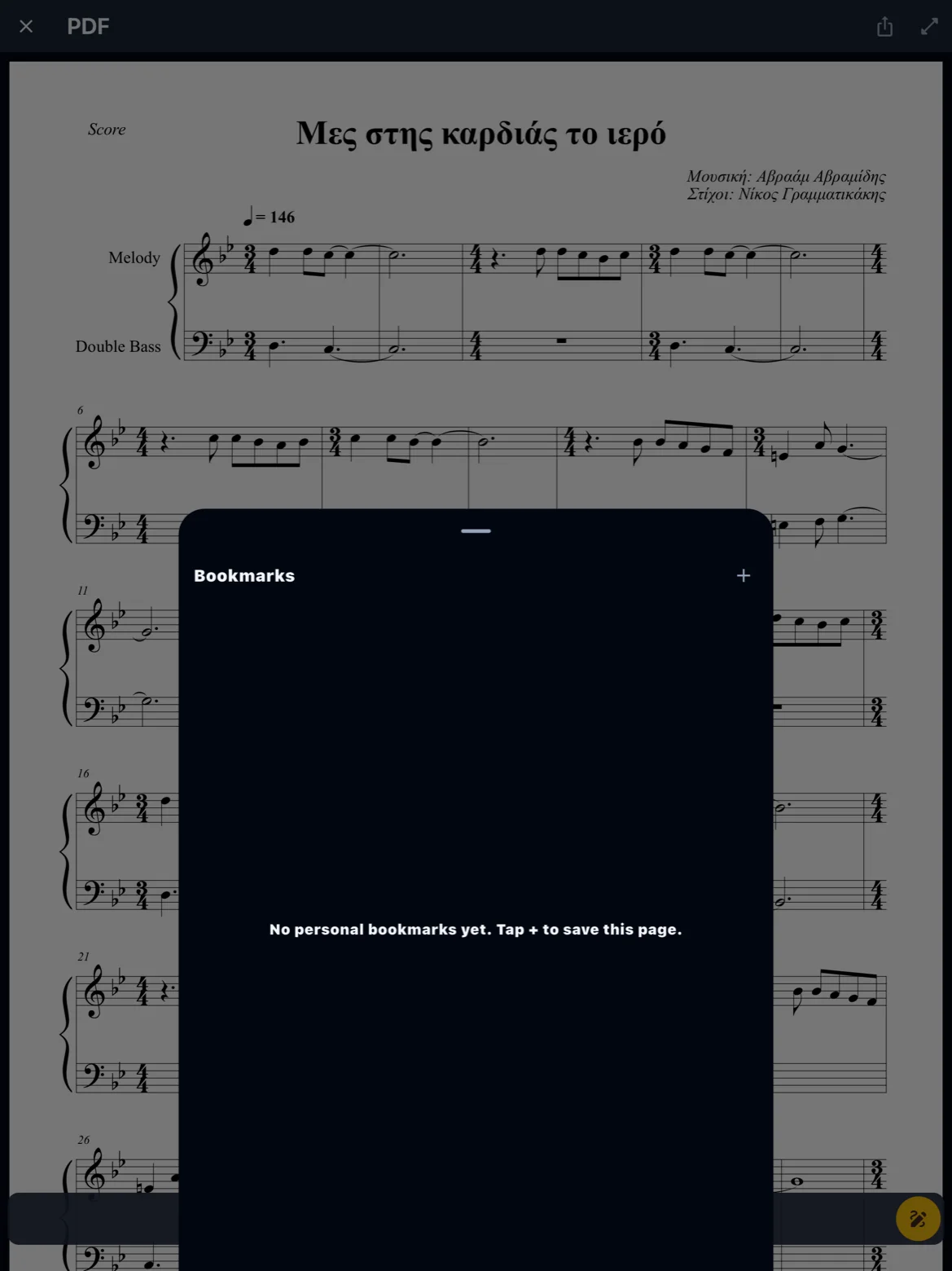
Bookmark the current page to jump back later from the bookmark list. Bookmarks are per PDF attachment and survive normal app restarts. They are meant for rehearsal shortcuts, not a replacement for setlist order.
Backup and restore
Ink, blanko cover, free text, music symbols, and bookmarks are included in a full library backup ZIP, for PDFs and for images. Restore with Replace or Merge according to whether you want to overwrite local files. If you only restore metadata, marks on the device may not match — prefer a full backup before a major phone migration.
Share and export
Share writes ink, blanko cover, free text, and music symbols into a PNG or a PDF. The original file stays clean until you export. Sharing the raw attachment may omit marks. For a clean publisher PDF, keep an unmarked master copy outside ReperDo or re-attach the original file.