
Export your song catalog
The song catalog is a metadata snapshot of your library — titles, types, keys, and other fields — without replacing per-song backup or CSV import.
CSV export
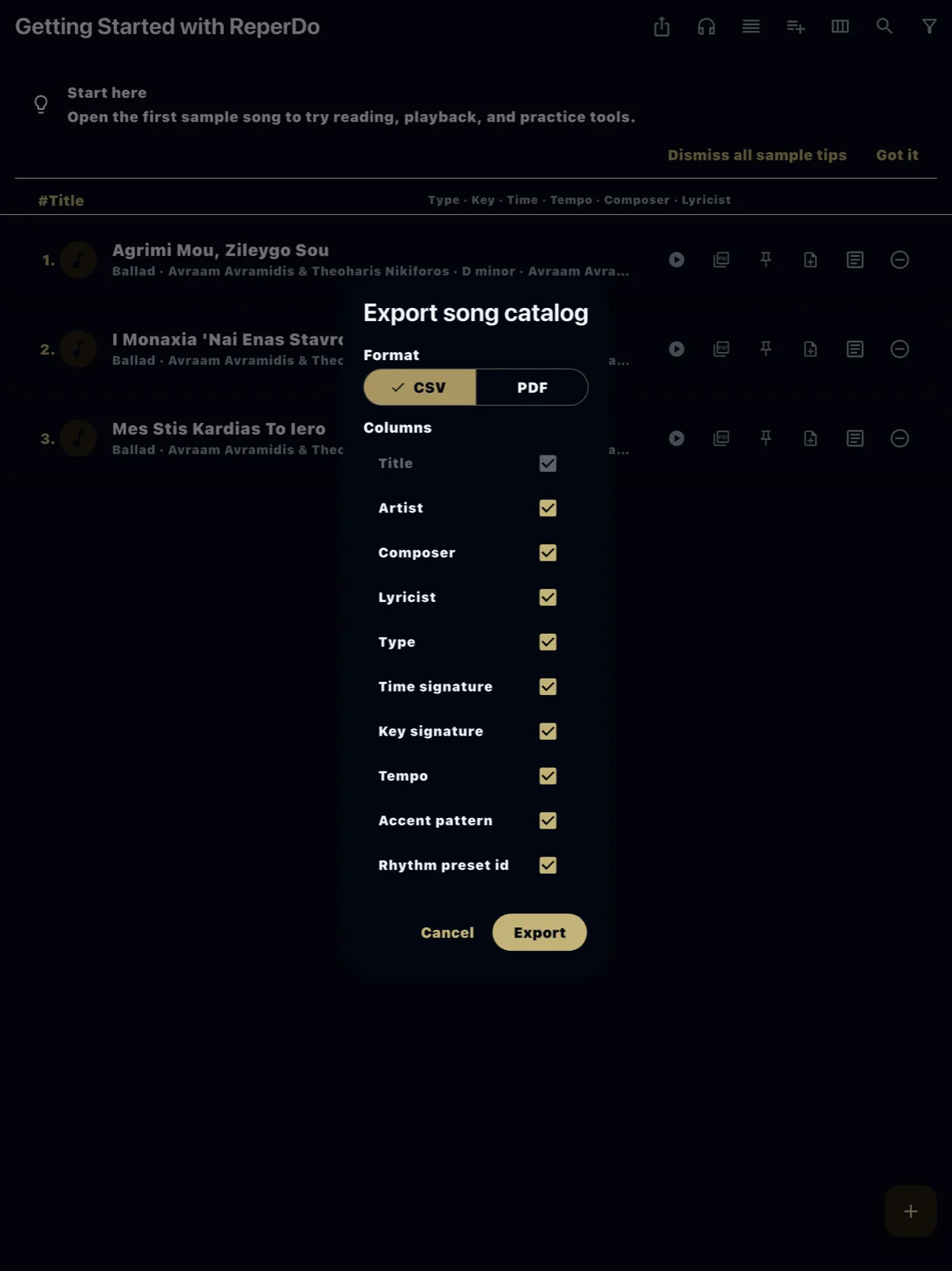
Settings → Library → Export song catalog → CSV produces a spreadsheet-friendly file in UTF-8. Use it for planning, sharing a title list with a collaborator, or archiving metadata outside the app. It is export-only; importing that file back is not the same as Import songs from CSV (different columns and intent).
PDF export
Choose PDF for a printable catalog — sorted list with the fields you selected in the dialog. Handy for a binder or lesson plan. Attachments and lyrics are not embedded; open individual songs for full content.
When to use which
Use catalog export for inventories and printing. Use library backup to move the whole library including PDFs and audio. Use CSV import to create new songs from a template, not to round-trip a catalog export.